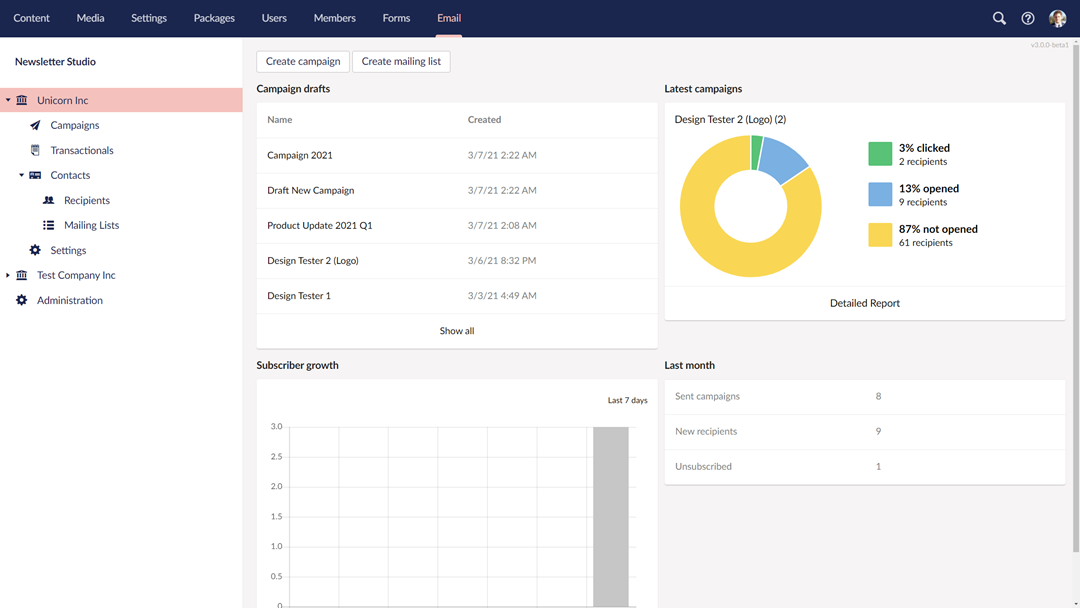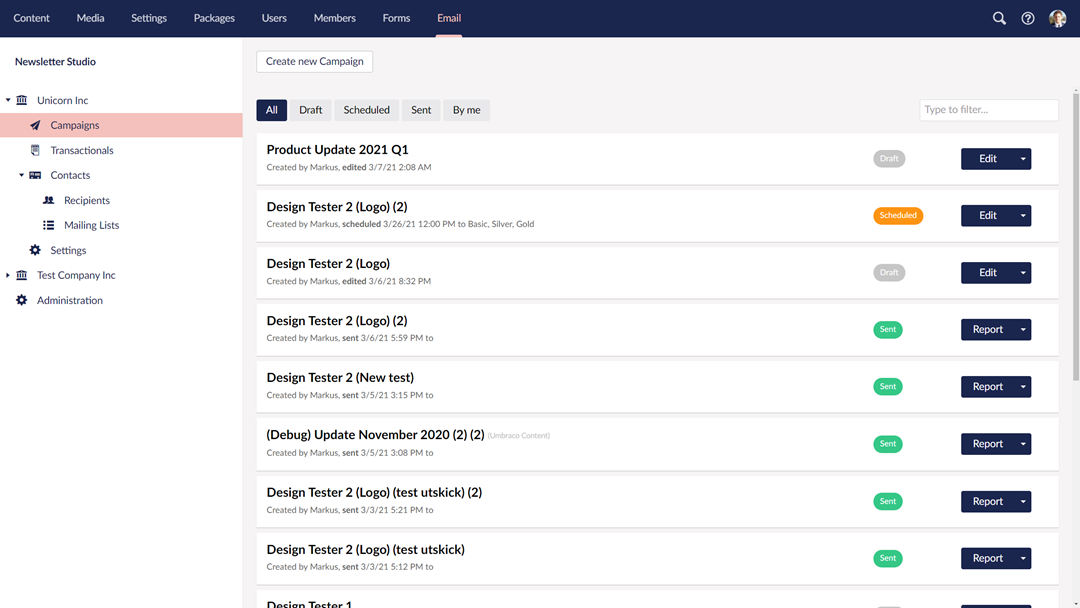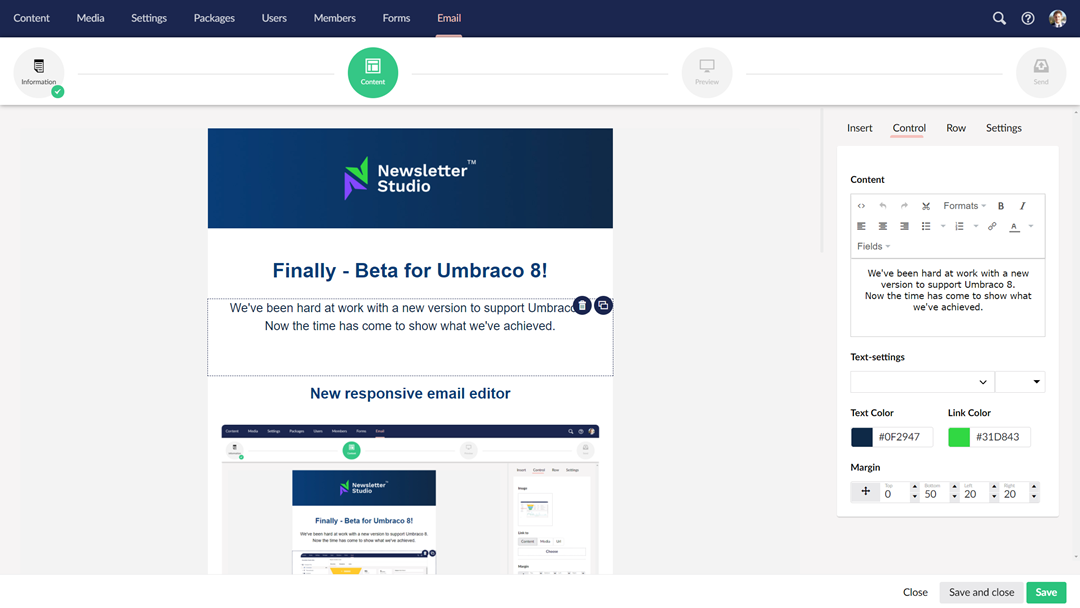

Today we've released a new Umbraco package integrating Newsletter Studio with Umbraco Automate.
Umbraco Automate is the new automation engine for Umbraco that makes it possible to build workflows directly in the backoffice using triggers and actions.
This is a great fit for Newsletter Studio, and with our new integration you can now use Newsletter Studio actions as part of your automations.
What does the integration add?
The first release comes with two actions that can be added to any automation.
Send Transactional Email
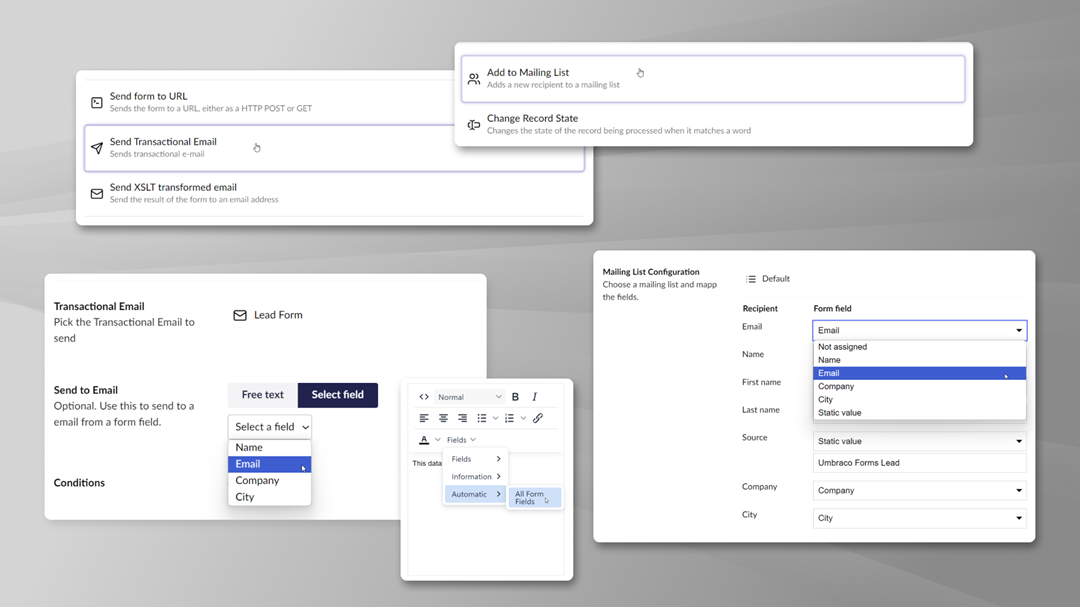
The Send Transactional Email action lets you send any transactional email configured in Newsletter Studio as part of an automation.
You can use values from the automation to configure the recipient and populate merge fields in the email. This makes it possible to combine the user-friendly email editor in Newsletter Studio with all the different triggers and actions available in Umbraco Automate.
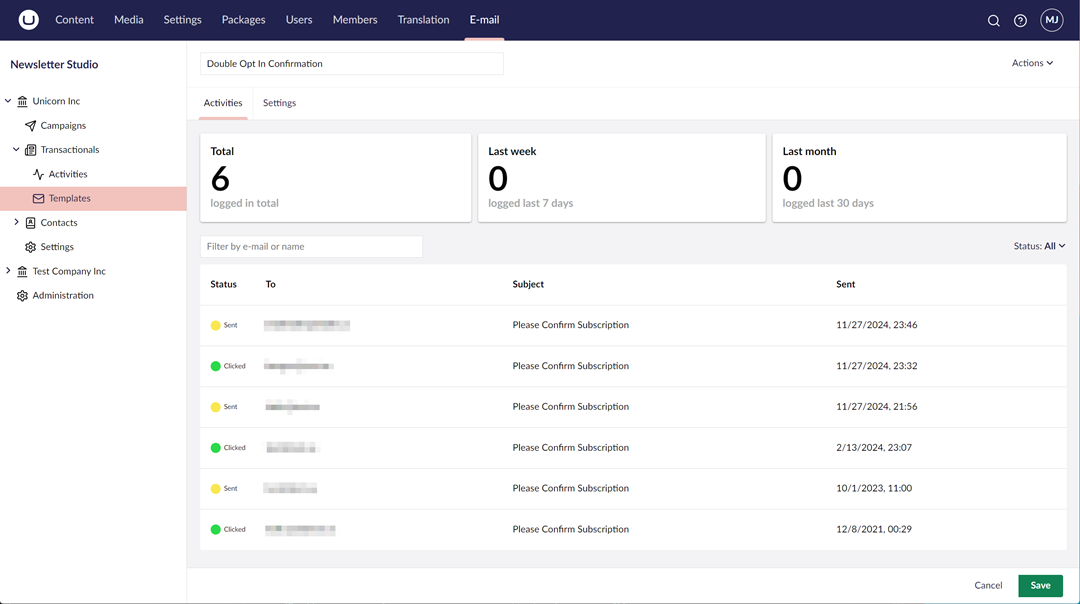
The email is sent using the regular Newsletter Studio transactional email pipeline, meaning that you can still take advantage of features like the transactional email log, analytics, saved email content and re-sending.
Add to Mailing List
The Add to Mailing List action can be used to add a recipient to one or more Newsletter Studio mailing lists.
Fields available in the automation can be mapped to fields on the recipient, making it easy to pass information collected or generated earlier in the automation to Newsletter Studio.

This opens up lots of possibilities for building signup, lead and onboarding flows while keeping everything inside the Umbraco backoffice.
Try it today!
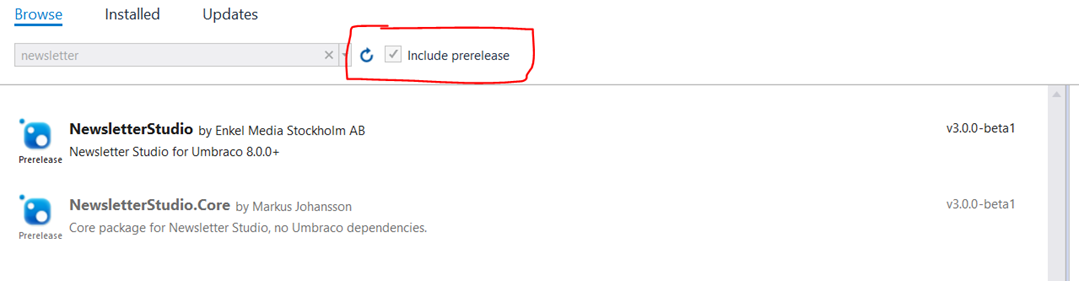
The package is available on NuGet and the source code is MIT licensed and can be found on Github.
Just make sure that you have Newsletter Studio and Umbraco Automate installed and then add the integration package:
dotnet add package NewsletterStudio.Plugins.UmbracoAutomate --version 17.0.0-rc1

# or

dotnet add package NewsletterStudio.Plugins.UmbracoAutomate --version 18.0.0-rc1
This is our first release of the integration and we're looking forward to seeing what people build with it. As always, please reach out if you have any feedback or run into any issues.